
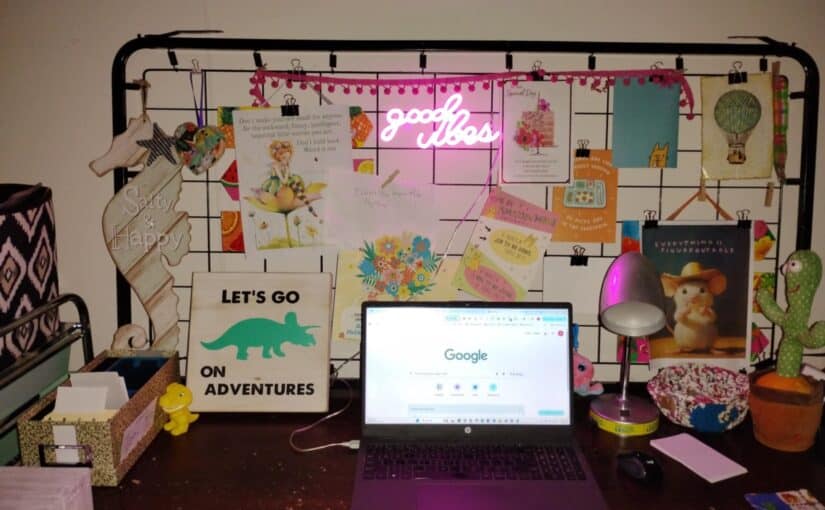
I have an inspiration board covering the wall behind my computer. It’s actually the metal grid part of a baby crib (the part the mattress sits on) that’s been upcycled. I clip things on it that I want to be inspired by, I like or love for some reason, or something I find beautiful or…
Tag: home office
Inkjet Printer Is Not Printing Properly But Ink Shows Full – What To Do
If your printer is printing, but it looks like your ink is running out, showing white lines, or pieces of words are missing, there are two quick fixes that can help if you have an inkjet printer. Mine is an HP Deskjet.
- Make sure you have ink. (Start with easiest first when troubleshooting.) If you have ink, go to step 2.
- Clean your ink cartriges. – Remove your ink cartriges. Find the strip where your ink comes out and clean it with a clean damp cloth, or qtip. (The qtip worked great for me.) After cleaning, dab it dry but don’t worry too much. You should see a little swipe of ink when you wipe the dry cloth or qtip over it. Make sure you don’t use anything that can leave debris like tissue paper. Put the ink cartridges back and see if that worked. If it didn’t work, go to step 3.
- Clean the printheads. Most modern home printers have an app that includes a troubleshooting area. Use your app to run an automatic printhead cleaning cycle. You may have to do it more than once.
If your printer’s not printing properly after this, I have no idea what it is, but I hope you can find out. And if it is something else and you find a solution, let me know!