
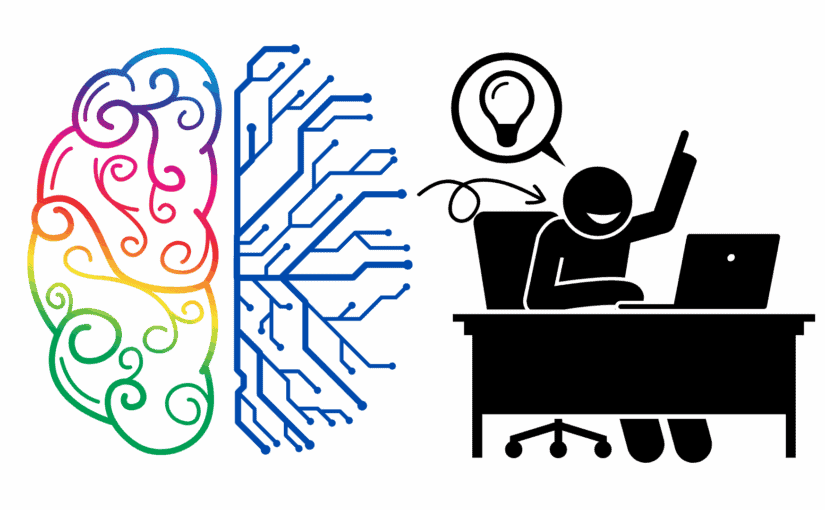
This blog post is an entry into the October 2025 IndieWeb Carnival on the topic of Ego, hosted by Bix.
Ego isn’t a monster to be tamed; it’s the mechanism by which we regulate our sense of self. It’s that little whisper that helps us determine our importance, our place in the world, our identity. Like a long-term relationship, it ebbs and flows. The ego shrinks or grows with each input into our psyche, from the actions of others to our thoughts about ourselves. It takes a hit, it inflates, it rides the tides, surfing the stimuli that are presented as we live our lives.
A personal website is a repository for the online manifestation of your ego, your online identity, a place to explore your sense of self in full view of the world.
No apologies. Just you and your words.
But words aren’t just words; they’re the tools by which we express who we are. Publishing our ideas, feelings, values, and experiences allows us opportunities to connect with others, sharing parts of ourselves.
I recently discovered the IndieWeb community, a community that places great value on personal digital ownership and sharing resources. One of the principles of the community is to own your data.
To own is to possess something, but it is also to be responsible for it and to be a good steward of it. I think that perfectly describes what the IndieWeb community encourages people to do through their principles.
Published content is your ego, your personal identity, being displayed online, and you should have full control. If you haven’t already, I encourage you to build your own repository for the online manifestation of your ego, aka personal website or blog.
And if you already have one, I encourage you to explore, to ponder, to publish.
Reposts
Likes